How can I create a new PNP account?
On the website
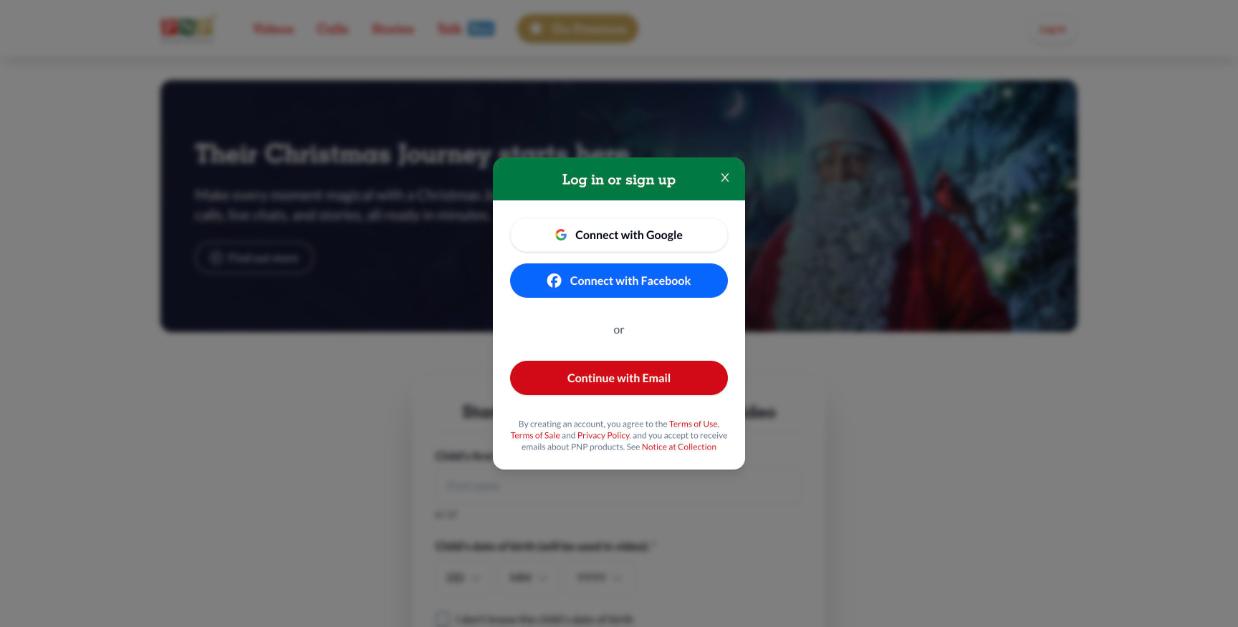
- Go to portablenorthpole.com and click Log in at the top right.
- Choose Connect with Google, Connect with Facebook, or Continue with Email.
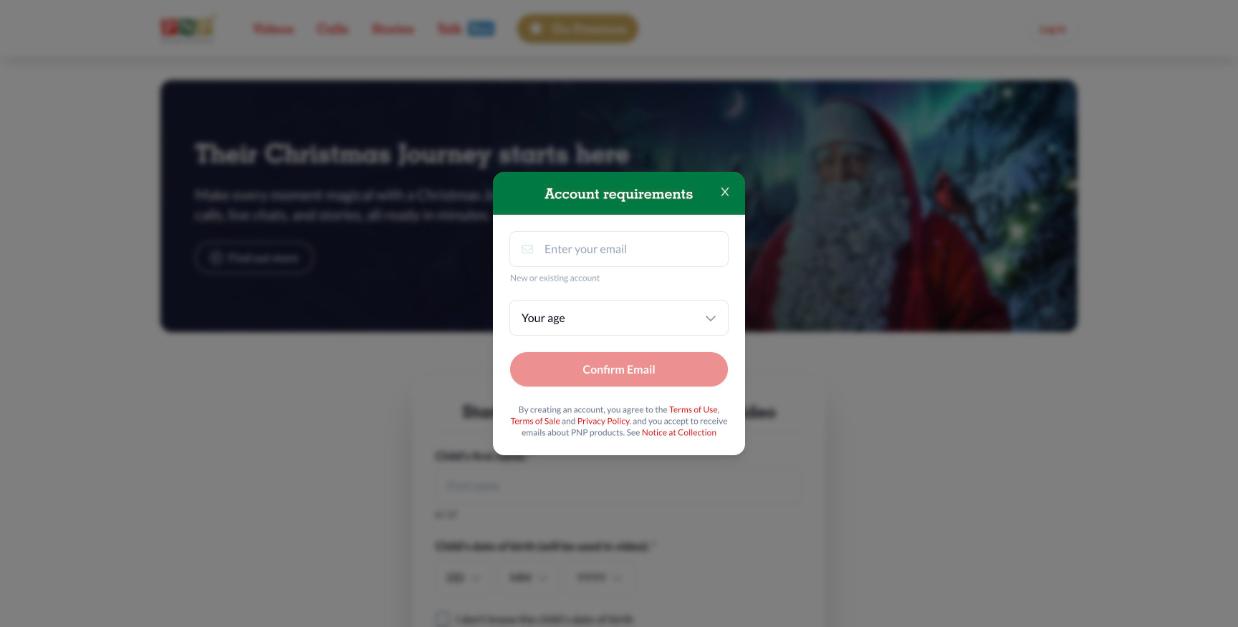
- With email: enter your email address, select your age and click Confirm Email.
- Open the email from PNP (subject 🎄Your PNP account is one click away!) and click Activate My Account.
- Back on PNP, enter your first name and select Finish creating my account.
In the mobile app
- Open the app and tap the profile icon at the top right.
- Tap Log in or Sign Up, select your age and tap OK.
- Sign in with Apple, Google or Facebook, or tap Continue with Email, enter your email and tap Confirm Email.
- Open the email from PNP, tap Activate My Account, then enter your name and finish.
✨ Hooray! You're all set to enjoy the magic of Christmas with Santa and his elves! 🎄🎅
Good to know
- There's no password: each time you log in with email, we send you a magic link. See How do I log into PNP without a password?
- By creating an account, you agree to our Terms of Use, Terms of Sale and Privacy Policy, and you'll receive emails about PNP products (you can turn these off anytime in My account).
- With Google, Facebook or Apple, PNP never sees your password for those services. You may still be asked to confirm your age, as required for children's websites (COPPA / kidSAFE).